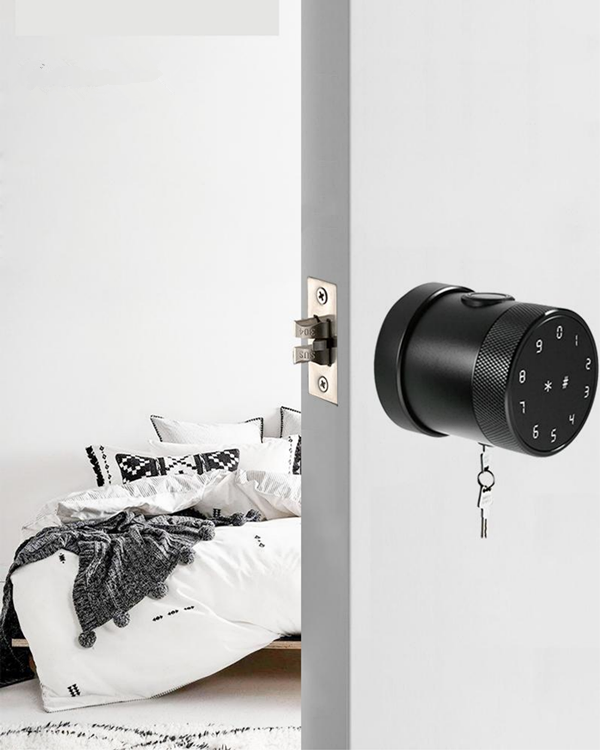
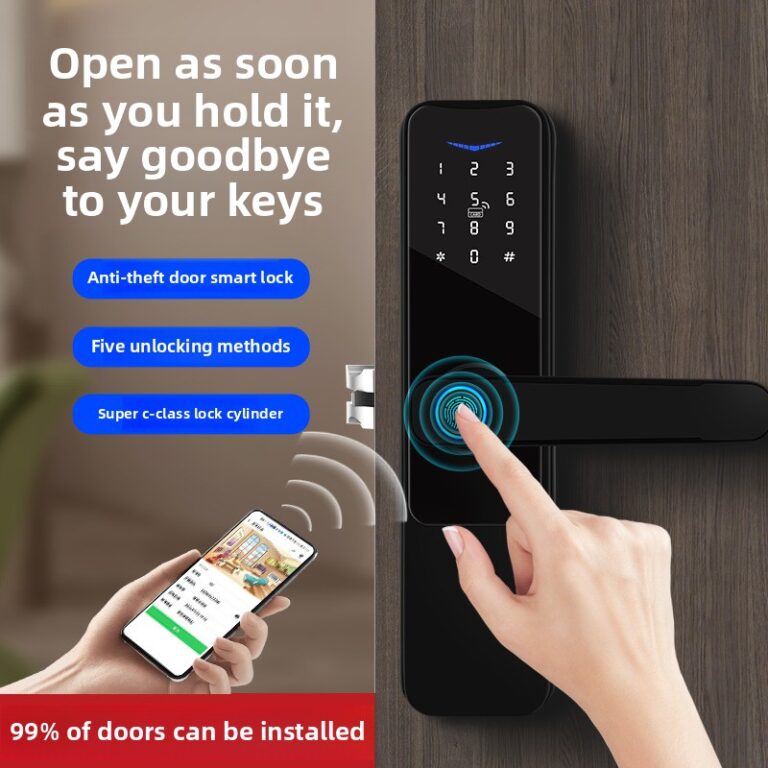
Yes, you can unlock many smart door locks remotely using your smartphone. This is one of the most convenient features of modern smart door lock systems. Whether you are at work, traveling, or simply away from home, you may be able to control your door lock through a mobile app without using a traditional key.
However, remote unlocking depends on the smart lock’s connectivity, supported features, and network configuration.
1. How Does Remote Smart Door Unlocking Work?
Most smart door locks use WiFi, Bluetooth, or a combination of wireless technologies to communicate with smartphones.
-
WiFi Smart Door Locks: Connect to your home WiFi network, allowing you to lock or unlock your door remotely through a smartphone app.
-
Bluetooth Smart Door Locks: Communicate directly with your smartphone over a short distance. Most Bluetooth-only models require you to be near the door.
-
WiFi Gateway Smart Locks: Use a separate gateway connected to your home network to enable remote access and control.
-
Zigbee Smart Door Locks: Connect to a compatible smart home hub, which can provide remote control through an internet connection.
2. What Can You Do with a Smartphone App?
Depending on the model, a smart lock app may offer several useful functions:
-
Remote locking and unlocking from anywhere with an internet connection.
-
Real-time notifications when someone unlocks or locks the door.
-
Temporary access codes for visitors, guests, and service providers.
-
Access history showing when the door was opened and which authorized user accessed it.
-
User management to add or remove family members and authorized visitors.
-
Battery status notifications to help prevent unexpected power failures.
3. Do All Smart Door Locks Support Remote Unlocking?
No. Not every smart door lock supports remote access.
|
Smart lock type |
Remote unlocking |
|---|---|
|
Bluetooth-only lock |
Usually requires nearby access |
|
WiFi smart lock |
Yes, with internet connectivity |
|
Bluetooth + WiFi gateway |
Yes, with a compatible gateway |
|
Zigbee smart lock |
Yes, with a compatible hub and app |
Before purchasing, check whether the product includes built-in WiFi or requires an additional gateway.

4. Is It Safe to Unlock Your Door Remotely?
Remote unlocking is convenient, but security should always be a priority.
Consider these security measures:
-
Use a strong, unique password for your smart lock account.
-
Enable two-factor authentication if supported.
-
Keep the smartphone application and lock firmware updated.
-
Only share temporary access permissions with trusted people.
-
Check access records regularly.
-
Choose smart locks with encrypted wireless communication and reliable authentication.
You should also consider what happens if your home internet connection or smartphone battery fails.
5. What Should You Look for When Buying a Remote-Control Smart Lock?
If remote access is important to you, consider the following features:
-
Built-in WiFi or a compatible remote-control gateway.
-
A user-friendly smartphone application.
-
Fingerprint, PIN code, IC card, and mechanical key unlocking options.
-
Real-time access notifications.
-
Temporary password generation.
-
Remote user permission management.
-
Low-battery alerts and emergency power support.
6. Conclusion: Is a Smartphone-Controlled Smart Door Lock Worth Buying?
Absolutely. A smart door lock with remote smartphone control offers greater convenience and flexibility for homeowners, property managers, landlords, and short-term rental operators.
You can check your door status, grant temporary access, manage users, and unlock your door remotely without being physically present. The key is choosing a reliable smart lock with the right connectivity and security features.
If you are looking for smart door locks with fingerprint recognition, WiFi connectivity, password access, and convenient mobile app control, Suik Smart Lock offers solutions worth exploring.
Visit Suik Smart Lock to discover smart door lock products for modern homes, apartments, hotels, and commercial properties.