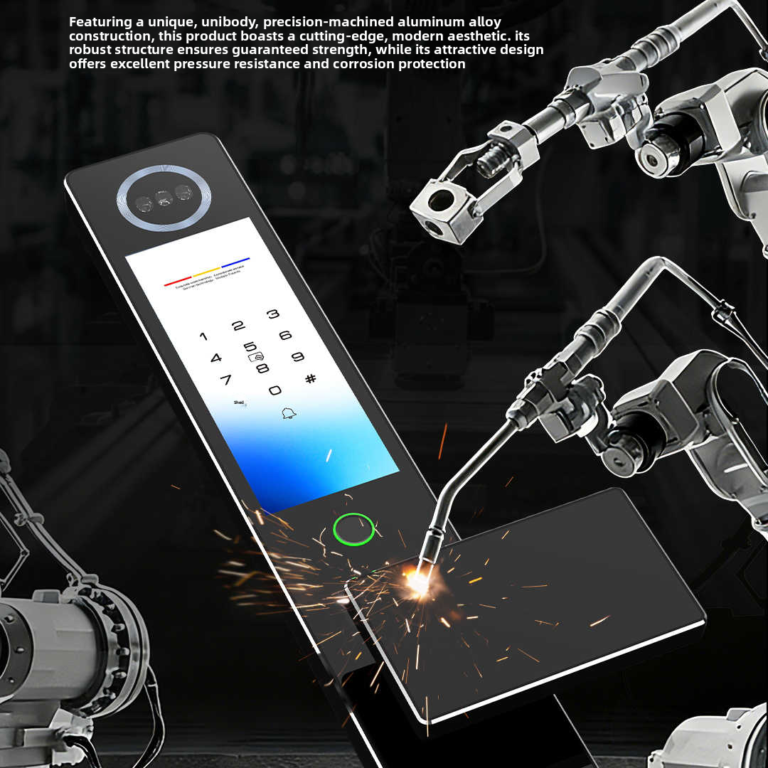
If your smart door lock battery runs out, you usually do not need to replace the entire lock or call a locksmith immediately. Most modern smart door locks are designed with emergency access solutions, allowing homeowners to unlock the door even when the battery is completely depleted.
Understanding these emergency methods can help you avoid getting locked out and ensure your home remains accessible.
1. Use an Emergency USB Power Supply
Many smart door locks include an emergency USB charging port, usually located at the bottom of the exterior panel.
If the internal batteries run out:
-
Find the emergency USB or USB-C charging port.
-
Connect a compatible power bank.
-
Supply temporary power to the smart lock.
-
Enter your password or use fingerprint recognition to unlock the door.
-
Replace the internal batteries after entering your home.
This is one of the most convenient emergency solutions for electronic smart locks.
2. Use the Mechanical Emergency Key
Some smart door locks retain a traditional mechanical keyhole as a backup access method.
If the battery is dead, you can:
-
Locate the concealed mechanical keyhole.
-
Remove the protective cover if necessary.
-
Insert the emergency key.
-
Turn the key to unlock the door manually.
This feature is particularly useful when the emergency USB power supply is unavailable.
3. Replace the Batteries
If you can access the inside of your home, replacing the batteries is usually the simplest solution.
Follow these steps:
-
Open the interior battery compartment.
-
Remove the depleted batteries.
-
Install new batteries with the correct polarity.
-
Close the battery cover.
-
Test fingerprint, password, and other unlocking functions.
Always use the battery type recommended by the manufacturer. High-quality alkaline batteries are commonly used in smart door locks.
4. Contact a Professional Locksmith
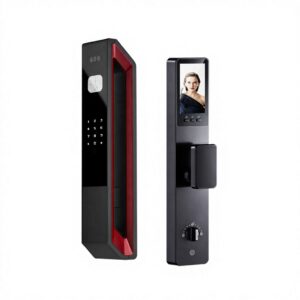
If your smart door lock does not support emergency USB charging or mechanical key access, contact a professional locksmith.
Avoid forcing the handle, damaging the keypad, or attempting to dismantle the lock from outside. Professional assistance can help prevent unnecessary damage to the door and locking mechanism.
5. How to Prevent Your Smart Lock Battery from Running Out
Prevention is better than dealing with an emergency. Consider these practical recommendations:
-
Check battery levels regularly: Monitor battery status through the mobile application if supported.
-
Enable low-battery alerts: Receive notifications before the battery becomes completely depleted.
-
Replace batteries promptly: Do not ignore low-battery warnings.
-
Keep an emergency power bank: Store a compatible power bank somewhere accessible.
-
Choose a lock with backup access: Look for USB emergency charging and mechanical key options.
6. What Features Should You Look for When Buying a Smart Door Lock?
When purchasing a smart door lock, battery backup and emergency unlocking capabilities should be important considerations.
| Feature | Main Benefit |
|---|---|
| USB emergency power | Provides temporary power when batteries die |
| Mechanical key backup | Allows traditional manual unlocking |
| Low-battery warning | Alerts users before power runs out |
| Smartphone notifications | Makes battery monitoring more convenient |
| Long battery life | Reduces replacement frequency |
| Multiple unlocking methods | Provides alternative ways to access your home |
Conclusion
When a smart door lock battery runs out, emergency USB power, mechanical keys, and battery replacement are the most common solutions. Choosing a smart lock with multiple emergency access methods can significantly reduce the risk of being locked out.
If you are looking for reliable smart door locks for residential, apartment, or commercial applications, SUIK Smart Lock offers smart locking solutions with different access methods and security features.
Visit www.matuyasmart.com to explore smart door lock products and find a suitable solution for your project.