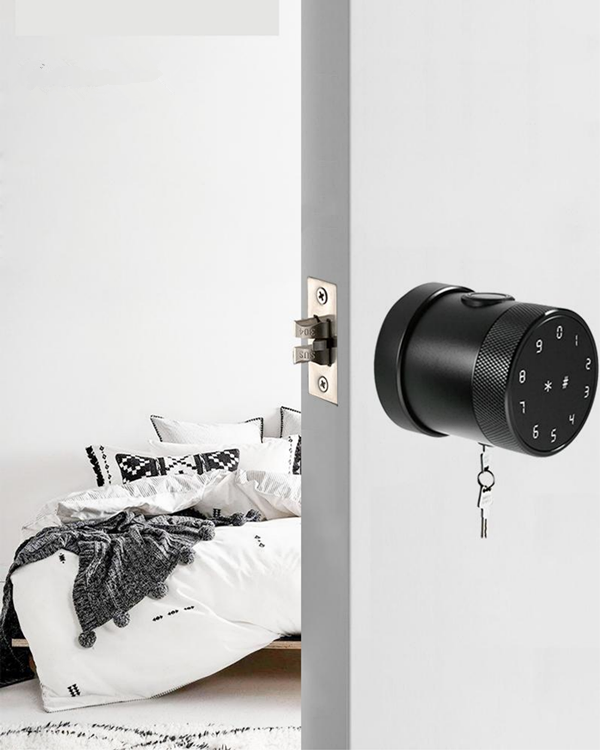
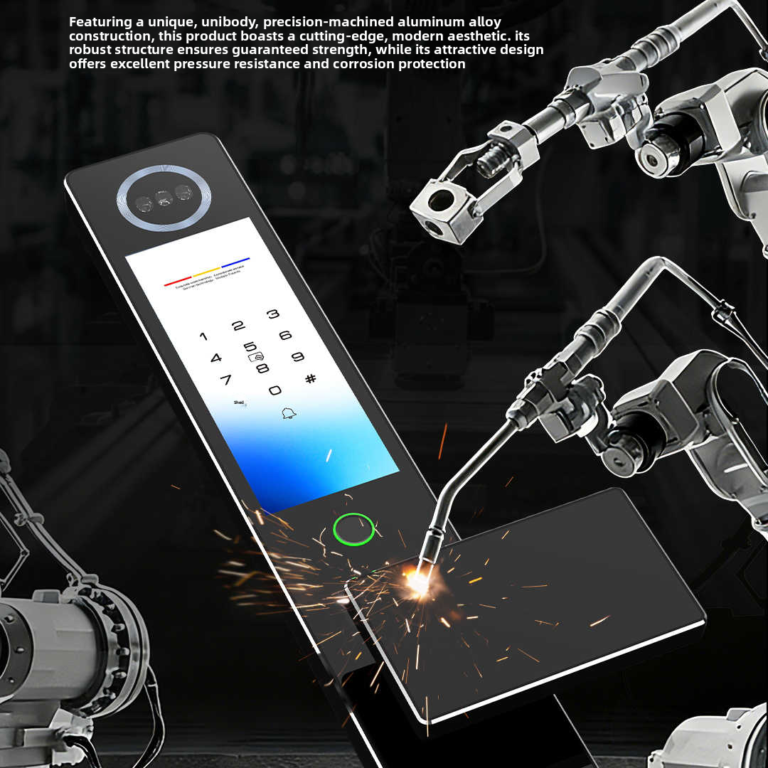
Yes. Many modern smart door locks support multiple unlocking methods, including fingerprint recognition, password entry, NFC card access, and traditional mechanical keys. Some advanced models also offer smartphone app control, Bluetooth unlocking, and remote WiFi access.
Having multiple unlocking methods makes smart door locks more convenient, flexible, and suitable for different users and applications, including homes, hotels, apartments, offices, and rental properties.
1. Fingerprint Unlocking
Fingerprint unlocking uses biometric recognition technology to identify authorized users.
-
Fast and convenient keyless entry.
-
No need to remember passwords or carry cards.
-
Supports multiple registered fingerprints on many models.
-
Suitable for families, offices, and residential buildings.
2. Password Unlocking
Users enter a registered password through the touchscreen keypad to unlock the door.
-
Supports multiple user passwords on many models.
-
Temporary passwords can be useful for visitors.
-
Anti-peeping password technology is available on some models.
-
Convenient for hotels, rental apartments, and offices.
3. NFC Card Unlocking
NFC or compatible RFID cards allow users to unlock the door by placing an authorized card near the reader.
-
Easy access without entering a password.
-
Suitable for hotels, offices, and apartment buildings.
-
Cards can be assigned to individual users.
-
Lost cards can often be deleted or disabled through the management system.
Note that NFC and RFID are not always interchangeable. Check the supported card frequency and protocol before purchasing.
4. Traditional Mechanical Key Unlocking
Most smart locks that include mechanical key access provide a backup unlocking method.
-
Provides access if the electronic system fails.
-
Useful when batteries are completely depleted.
-
Offers an alternative if fingerprint or password recognition is unavailable.
5. Can One Smart Door Lock Support All Four Methods?
A multifunctional smart door lock can integrate all four unlocking methods into one device.
| Unlocking method | Main advantage |
|---|---|
| Fingerprint | Fast biometric access |
| Password | Convenient keyless entry |
| NFC Card | Easy access management |
| Mechanical Key | Emergency backup |
Some models additionally support:
-
WiFi remote unlocking
-
Bluetooth smartphone unlocking
-
Mobile app management
-
Temporary access passwords
-
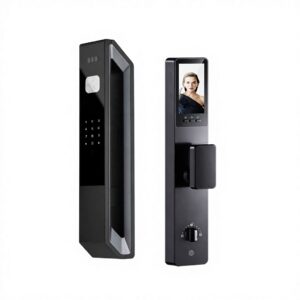
Doorbell and video monitoring
6. How to Choose a Multifunctional Smart Door Lock?
When selecting a smart door lock, consider the following factors:
-
Unlocking Methods: Confirm that the lock supports all the access methods you need.
-
Security: Look for reliable fingerprint recognition, encrypted communication, and anti-tampering protection.
-
Battery Life: Check battery capacity and low-battery alerts.
-
Emergency Access: Confirm mechanical key availability and emergency power options.
-
User Management: Check whether administrators can add, delete, and manage fingerprints, passwords, and access cards.
-
Door Compatibility: Verify door thickness, lock dimensions, mortise type, and installation requirements.
7. Conclusion
Smart door locks can support fingerprint, password, NFC card, and mechanical key access simultaneously, providing users with several convenient ways to enter their properties.
For hotels, apartments, residential properties, and commercial buildings, choosing a multifunctional smart lock can improve access flexibility while simplifying daily security management.
If you are looking for smart door lock solutions, SUIK Smart Lock offers smart lock products for different applications and market requirements.
Explore more products at SUIK Smart Lock.